

Are You Having A Technology Emergency?

ThinkTech IT Blog

ThinkTech IT has been serving the northeast and nationally since 2017, providing IT Support such as technical helpdesk support, computer support and consulting to small and medium-sized businesses.

COVID 19 TIPS: Three essential rules for all cloud applications

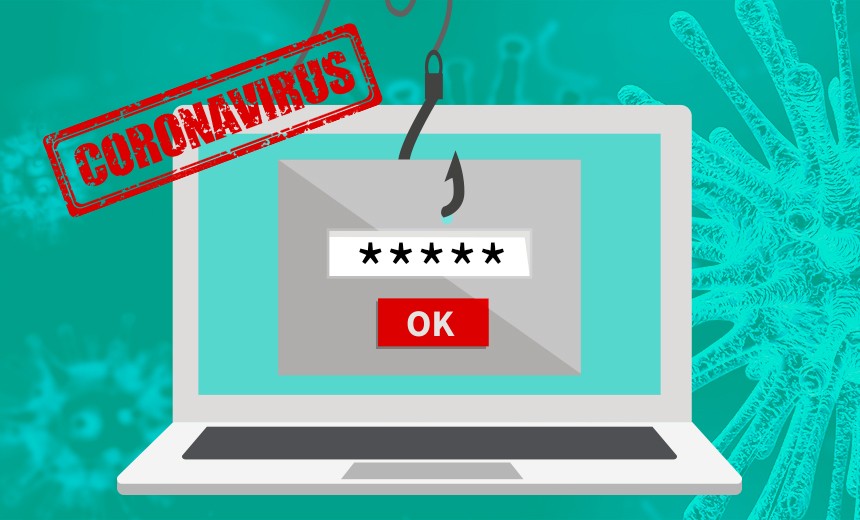
coronavirus-phishing

If you’re using cloud applications while your employees are working from home, you are justified to be concerned about data privacy and security.  The company hosting your data is ultimately responsible for keeping hackers out of THEIR network, but most cloud breaches are due to USER ERROR.

Here are a few things you can easily do to improve security in the cloud:

  • Maintain a STRONG password of at least eight (8) characters with both uppercase and lowercase letters, numbers and symbols. Do NOT make it easy, such as “Password123!” While that technically meets the requirements, a hacker could easily crack that.
  • Make sure the device you’re using to access the application is secure. You’ll need professional help installing and maintaining a strong firewall, antivirus and spam-filtering software. Don’t access your cloud applications with a device you also use to check social media sites and free e-mail accounts.
  • Back up your data. If the data in the cloud is important, make sure you’re downloading it from the application and backing it up to another safe and secure location. If your account gets hacked OR if the cloud company shuts down your account, you have a copy.

Want more tips for setting up safe Work From Home networks? Check out our Free Tech Support Offer blog post or learn more at our Understanding IT Resource Center. 

Of course, if you have an immediate IT need, you can always reach us at 888-574-6365.
0 Comments
Continue reading

COVID 19 TIPS: Don’t forget about this danger!

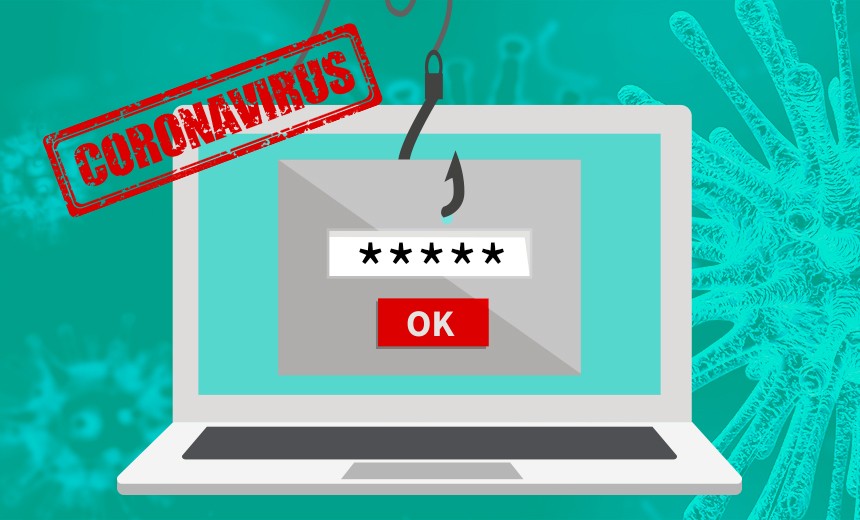
coronavirus-phishing

The greatest threats to your company and its data come from hackers and cybercriminals.  It’s just as important, however, to ensure the physical security of your devices while working from home.

Implement these recommendations:

  • Shut down your device and store it in a secure place before leaving your home for any reason.
  • Lock your computer when you step away from it. This is especially important if you have children or other family members around.
  • Place your work devices out of sight at the end of the day. Not only does it keep them from being stolen, but helps you maintain work-life balance.

Want more tips for setting up safe Work From Home networks? Check out our Free Tech Support Offer blog post or learn more at our Understanding IT Resource Center. 

Of course, if you have an immediate IT need, you can always reach us at 888-574-6365.
0 Comments
Continue reading

COVID 19 TIPS: Don’t do THIS on your work laptop or PC

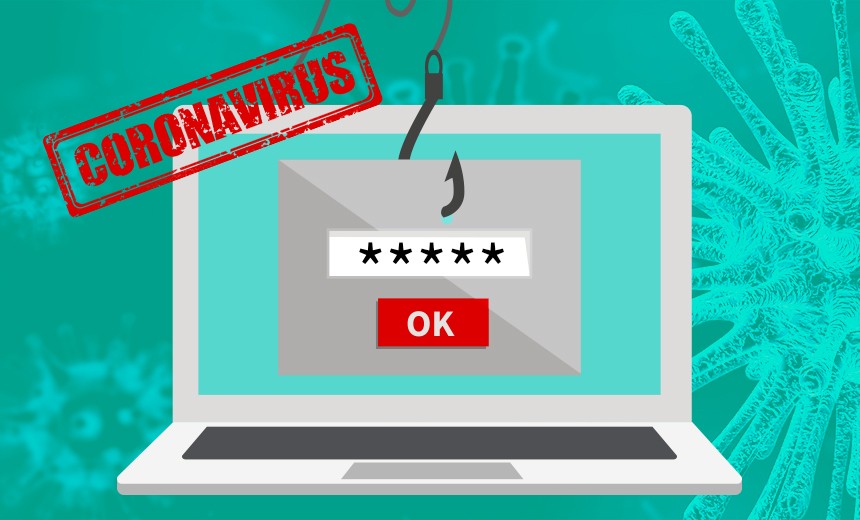
coronavirus-phishing

It’s easy to become a little more relaxed when working from the comfort of your living room or home office.  Surfing over to Facebook, other social media, or even personal e-mail accounts can be very tempting.

But the ONLY thing you should use your company’s workstation or laptop for is … WORK!  Check your personal accounts on YOUR personal device.  Over 600,000 Facebook accounts are hacked every day.  If you’re using a company device to access a compromised account, you’re opening up a door to a hacker who can then get into your company’s network via your e-mail or PC.

Want more tips for setting up safe Work From Home networks? Check out our Free Tech Support Offer blog post or learn more at our Understanding IT Resource Center. 

Of course, if you have an immediate IT need, you can always reach us at 888-574-6365.
0 Comments
Continue reading

COVID 19 TIPS: 3 ways to reduce cyberattacks affecting your business

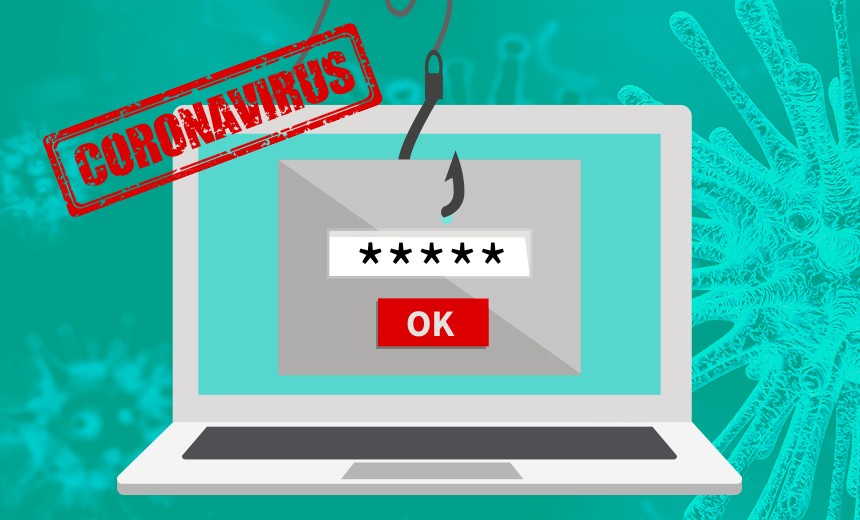
coronavirus-phishing

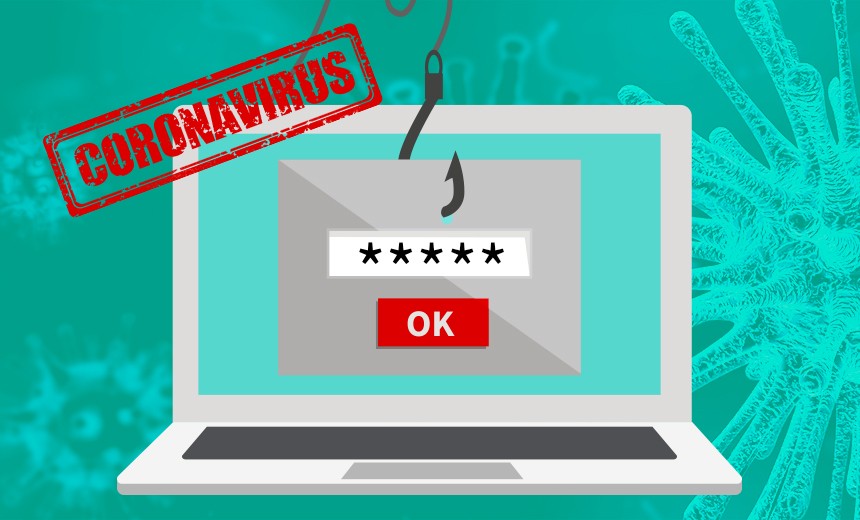
We expect a rise in cyberattacks during this pandemic because of the dramatic increase of employees working from home.  Far too many employers won’t think about security as their team starts working at the kitchen table.  That’s a dangerous precedent.

First, make sure your employees are not using their home computers or devices when working.  Second, ensure your work-at-home computers have a firewall that’s turned on.  Finally, your network and data are not truly secure unless your employees utilize a VPN (Virtual Private Network).

Want more tips for setting up safe Work From Home networks? Check out our Free Tech Support Offer blog post or learn more at our Understanding IT Resource Center. 

Of course, if you have an immediate IT need, you can always reach us at 888-574-6365.
0 Comments
Continue reading

COVID 19 TIPS: Are your employees leaving this backdoor wide open?

coronavirus-phishing

Most of your employees have wireless networks set up in their homes.  Unlike your business Wi-Fi, many home users are lax about creating secure wireless networks – leaving a backdoor open to hackers.  Wi-Fi signals often broadcast far beyond your employees’ homes and out into the streets.  Drive-by hacking is popular among cybercriminals today.

A few tips for securing your employees’ Wi-Fi access points:

  • Use stronger encryption and a more complex password
  • Hide your wireless network name
  • Use a firewall

These security measures are not difficult to set up.  If you have any questions or need assistance, we will be happy to help get your employees set up remotely.

Want more tips for setting up safe Work From Home networks? Check out our Free Tech Support Offer blog post or learn more at our Understanding IT Resource Center. 

Of course, if you have an immediate IT need, you can always reach us at 888-574-6365.

0 Comments
Continue reading
TOP